
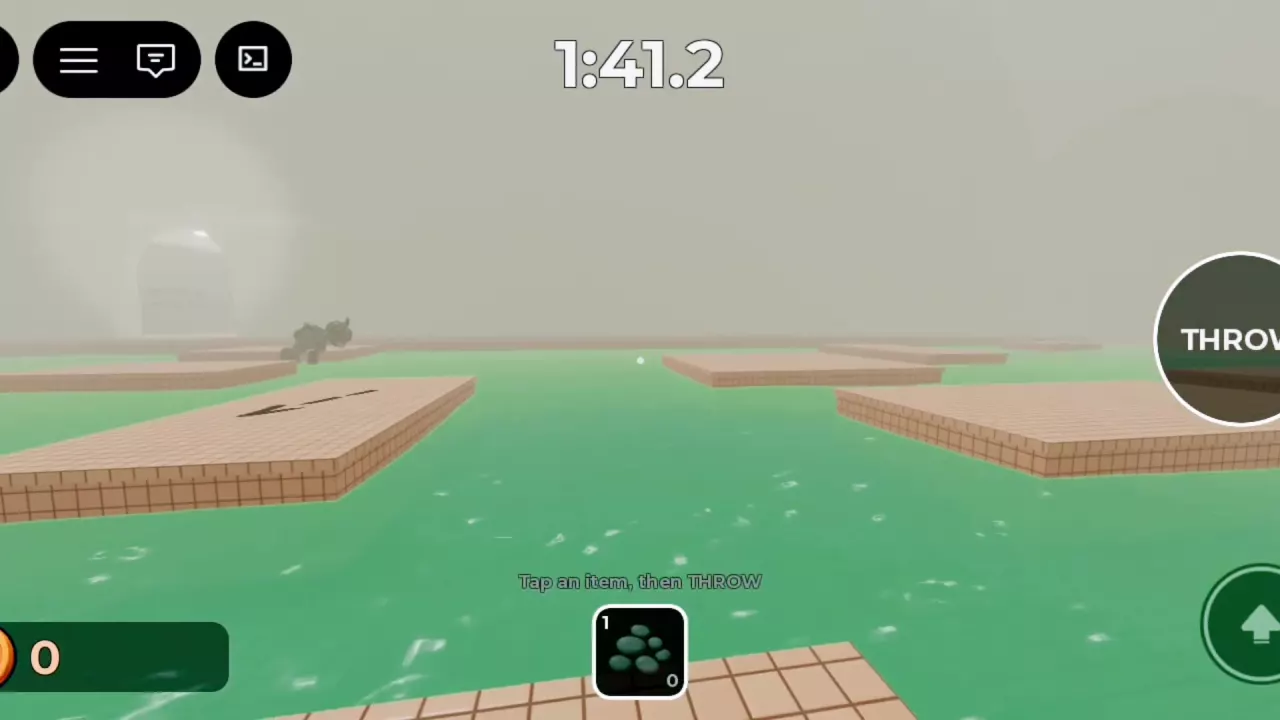
Move up to gray stone clusters on platforms to collect or refill pebbles. On PC, press the item's number key to select it, click to throw, and press the same key again to put it away. On mobile, tap the item, then tap THROW. At the Maintenance control valve prompt, hold E until the progress ring fills. The Rescue Rope pass is listed at 30 Robux and permanently unlocks a reusable rope.
Pebbles and Rescue Rope at a Glance
| Tool | How to get it | What you receive |
|---|---|---|
| Pebble | Move up to a gray stone cluster on a tiled platform. | A pebble pickup that replenishes your throwable supply. |
| Rescue Rope | Buy the Rescue Rope game pass, listed at 30 Robux. | A permanent reusable rope unlock. |
For the difference between the rope unlock and rescue upgrades, see rope unlocks, upgrades, and slots.
Collect and Refill Pebbles
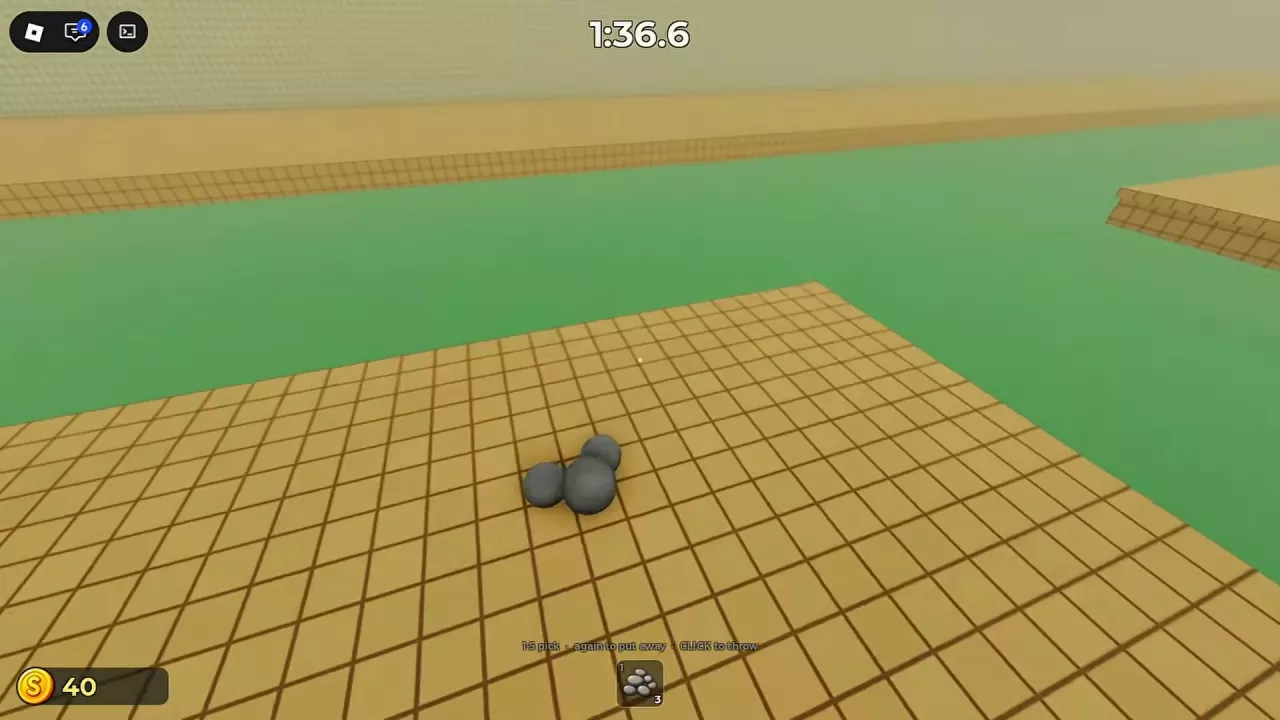
- Look for a cluster of rounded gray stones resting on a tiled platform.
- Cross the neighboring platforms to reach it, then move up to the cluster.
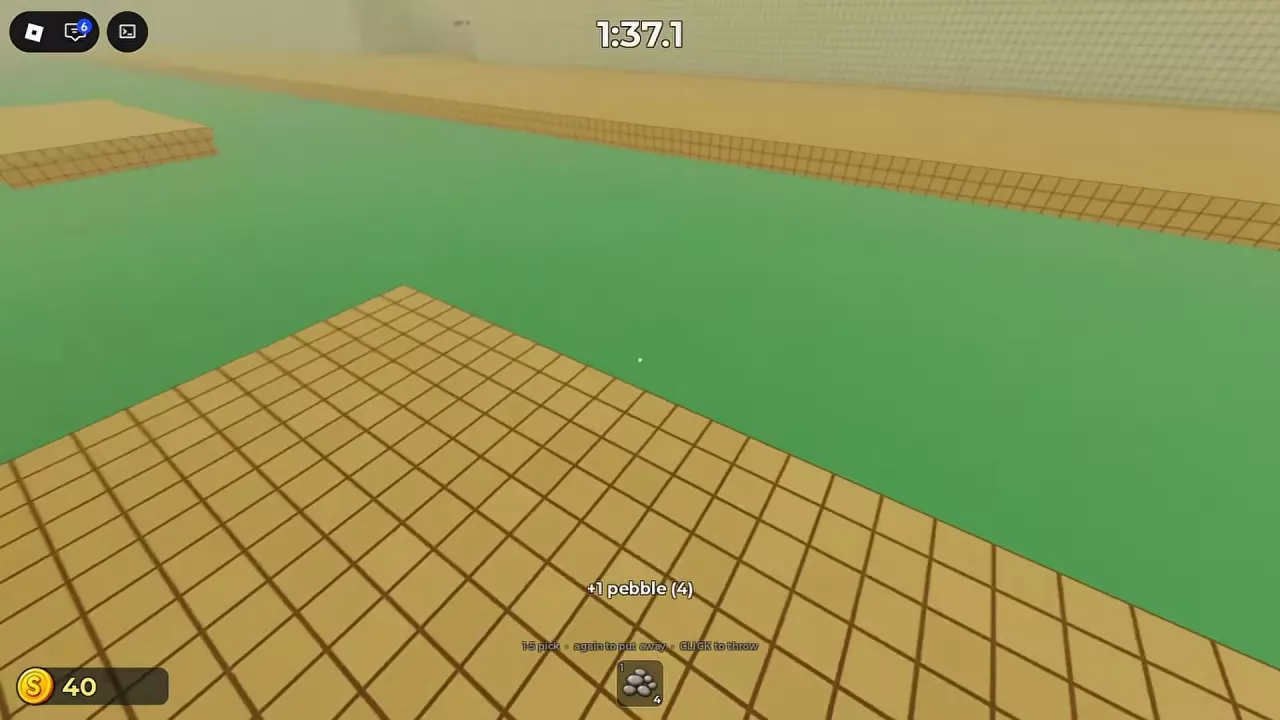
- Check for a +1 pebble message and an increase in your hotbar quantity. The cluster disappears when collected.
The pickup messages explain both the gain and your new total:
- +1 pebble (1): an empty supply increases to one.
- +1 pebble (4): a supply of three increases to four.
Both pickups add one pebble, even though the clusters contain several visible stones. The number in parentheses is your new total.
On the hotbar icon, the upper-left number identifies the slot and the lower-right number shows the remaining quantity. A pebble in slot 1 with a lower-right count of 4 means four pebbles are available in that slot.
For help reaching platforms and crossing the rotating section, use the platform route guide.
Select, Put Away, and Throw on PC or Mobile
| Device | Action | Control |
|---|---|---|
| PC | Select an item | Press its corresponding number key, 1–5. |
| PC | Put away the selected item | Press the same number key again. |
| PC | Throw the selected throwable | Click. |
| Mobile / touch | Select an item | Tap its hotbar icon. |
| Mobile / touch | Throw the selected throwable | Tap THROW on the right side. |
| Mobile / touch | Jump | Tap the upward-arrow button at the lower right. |
Throw a pebble on PC
For a throw toward the water beside a pillar with pebbles in slot 1:
- Press 1 to select the pebbles.
- Face the water beside the pillar and adjust your view upward to aim.
- Click to throw.
- Read the lower-right quantity to check your remaining supply. A throw from a stack of four leaves three, consuming one pebble.
On mobile, select the pebble icon first, then tap THROW. Selecting the item alone does not perform the throw.
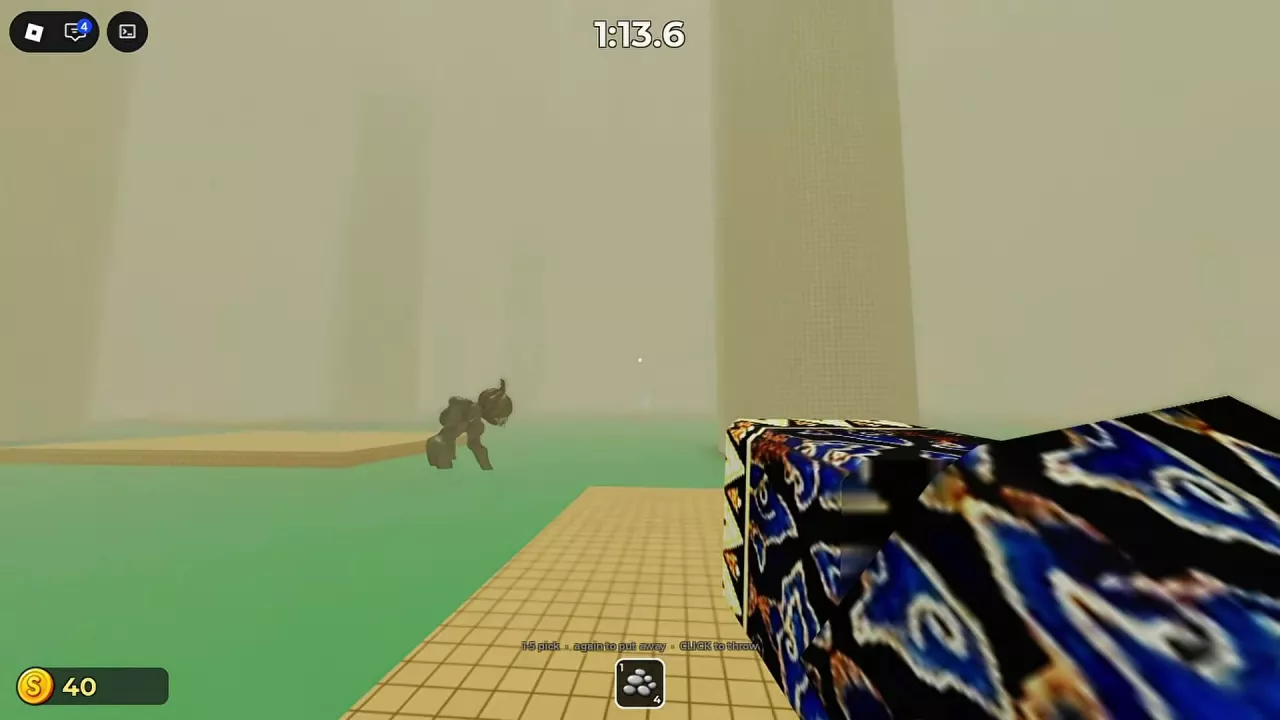
After throwing, check the creature's position before your next crossing. A throw does not establish that the route is safe; use the monster hearing and platform encounter guide to plan your movement.
Hold E for the Maintenance Control Prompt
At the Maintenance control cabinet on PC:
- Approach the red valve wheel on the front of the gray-green cabinet until the E / Maintenance control / Open valve prompt appears.
- Hold E and remain within interaction range while the white circular progress indicator fills.
- Keep holding until the interaction completes. At the first valve, Valve opened (1/2) confirms that one of the two valves is open.
Use the first valve location guide for the route to this cabinet.
Separate Rope Unlocks, Upgrades, and Tool Slots
Choose the pass that matches the benefit you want:
- Rescue Rope: permanently unlocks a reusable rope.
- Max Rescue Speed: permanently grants Rescue Speed level 3/3.
- Max Rope Reach: permanently grants Rope Reach level 3/3.
For the reusable rope itself, choose Rescue Rope. The two Max passes grant the maximum level of their respective upgrades.
The 1–5 keyboard hint describes item selection; it does not mean five tool slots are unlocked by default. 4th Tool Slot adds one loadout slot, and 5th Tool Slot adds a second extra slot.
See the full game pass directory for prices and the complete list of slot, rope, and maximum-upgrade benefits.